Creativity and problem-solving
Nookly vs Scratch vs LEGO: Three Ways to Give an Idea Somewhere to Go
Nookly Team · 5 min read
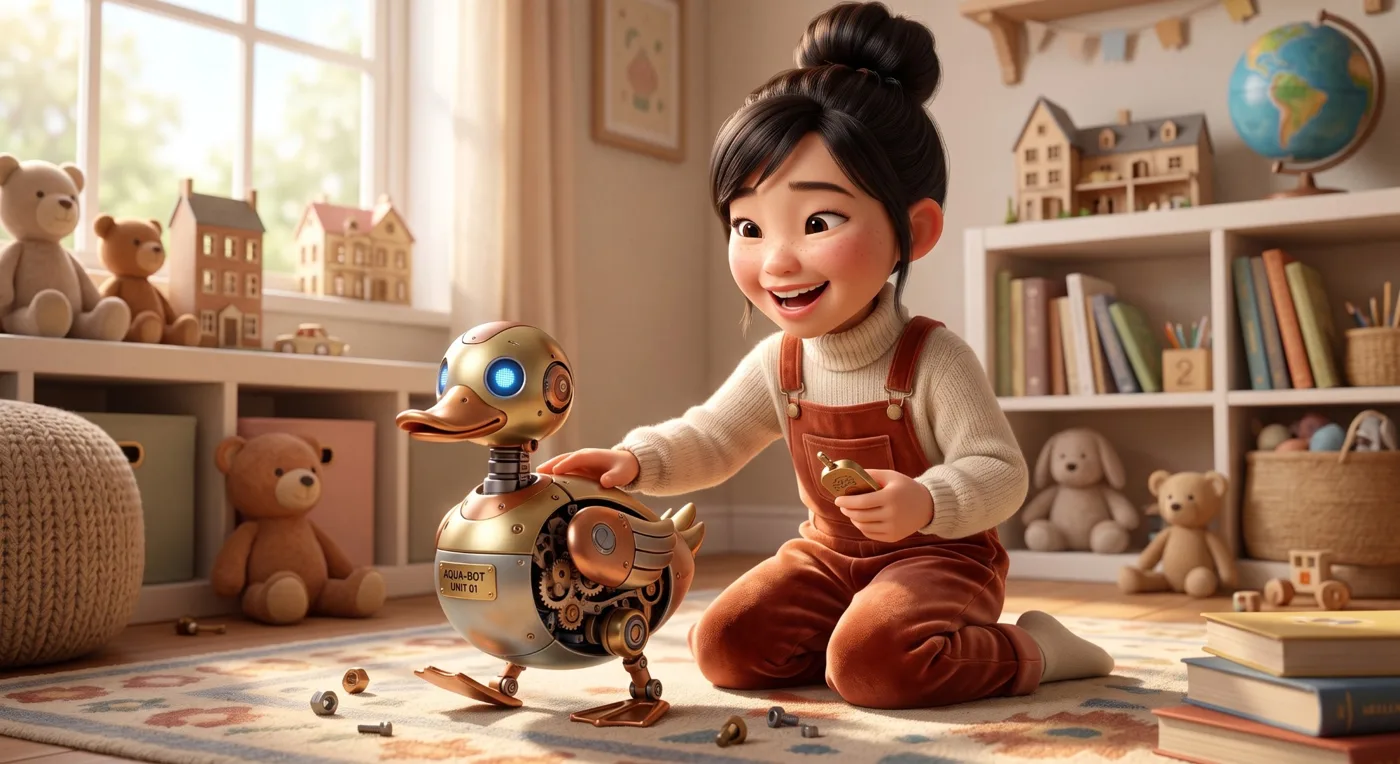
Your son has an idea about a robot dog who delivers mail. It's a good idea. The question is where it goes next. He could code it as a little animated game. He could build it out of bricks, then rebuild it with longer legs. Or he could get a challenge card that says: "Design a mailbox your robot dog can open with its nose, using only what's on the table."
Each of these gives an idea somewhere to go. They just go to different places.
TL;DR: who wins where?
- Scratch wins if your child wants to make their own stories, games and animations with block coding, and share them with a community.
- LEGO wins for physical, open-ended building that can be taken apart and rebuilt endlessly. Choose age-rated pieces; small bricks aren’t for toddlers.
- Nookly wins when you want a custom challenge, story or invitation built around your child’s interest, age and the supplies you already have, to spark a new direction they then carry out themselves.
Not a contest
These three aren't really competing. Scratch and LEGO are creative materials: places where a child makes something. Nookly is closer to an invitation: a way for an adult to offer a starting point that fits one child. Many families will use all three.
Scratch: the child writes the code
Scratch, from the Scratch Foundation, lets children make their own interactive stories, games and animations using block coding, and share them with others. It's worth being clear: this isn't passive screen time. The child is the author, deciding what happens and building it piece by piece.
It's especially great for kids around eight and up who like seeing an idea move and respond. The robot dog can actually walk across the screen and deliver a letter. The limitation, if there is one, is that it lives on a screen, and younger children may need a lot of adult help to get started.
LEGO: the idea you can hold
Bricks are one of the most flexible creative materials around. LEGO Classic sets encourage open-ended building, with ideas to try and plenty of room to rebuild. The robot dog can be built, taken apart and built again as a robot cat.
The physical part matters. Hands, balance, trial and error, and the frustration of a leg falling off are all part of it. For younger children, choose pieces rated for their age, since small bricks are a choking hazard for toddlers.
Sometimes, though, a child wants a challenge connected to whatever they're into right now. A fresh prompt tied to their own current interest can turn a familiar pile of bricks into a new project.
Image placeholder · Inline image
Two friends playing together
Where Nookly fits
Nookly is a tool for adults to create learning pieces around one child. For creativity, that often means challenge cards, a short story that sets up a problem, or a design sheet, all built around what the child loves and what's actually in the house.
Here's where Nookly adds something different. You can describe the situation: "He's seven, he loves his dog and robots, he gets bored with free building after ten minutes, and we have bricks, cardboard and tape." Nookly can help you make four challenge cards ("Build a mailbox your robot dog can open," "Make it deliver to a different room") and a short story about a robot dog with a problem to solve. The child still builds, codes or draws the solution. Nookly just gave the idea a first step.
That's different from choosing a pre-made challenge from a big list, because it starts with this child and this afternoon. Ask for the challenge, then leave the solution, the build and the judging to your child. And plenty of great creative play needs no invitation at all.
You can create a one-off experience, or set up a personalized learning plan called a Blueprint for an ongoing Goal, a finite plan, maybe a weekly design challenge that builds toward a small "invention fair" for family.
A quick example. Your son has built the same brick car five weekends in a row. You ask Nookly for three challenges around Biscuit, his pretend robot dog: "Build something that helps robot Biscuit reach the treat jar." "Make a bed that rocks for robot Biscuit." "Design a carrier that moves robot Biscuit across the room." He picks the treat jar one and spends an hour on a very wobbly ramp for his pretend dog. The bricks were already there. The spark was new.
Using them together
A Nookly challenge card on Saturday morning. A LEGO prototype by lunch. For an older child, maybe a Scratch animation of the robot dog on Sunday. The invitation started it; the materials carried it; the child owned it.
It's also worth thinking about mood. On a tired, rainy afternoon, a pile of bricks and no plan may be exactly right. On a bored, restless Saturday, a challenge card might be what gets things moving.
How to choose
If your child wants to make something that moves on screen, Scratch. If they want to build with their hands and rebuild endlessly, bricks. If they have the materials but need a reason to start, or you want a challenge that grows out of their current obsession, that's where Nookly helps.
A last thought: for young children, simpler is usually better. A challenge that fits on one card, a handful of materials and plenty of time will beat an elaborate plan almost every time. If the activity needs a long explanation, it's probably too complicated. Let the idea be big and the setup small.
And when they show you what they made, ask about it before you praise it.
A sample request
"My nine-year-old loves Scratch and football. Make three small design challenges for a football game she could code herself, each with one constraint, and a planning sheet to sketch it on paper first. Don't include any code." She plans on paper, then builds it herself.
Side by side
On a phone, swipe the table sideways to see every column.
| Scratch | LEGO | Nookly | |
|---|---|---|---|
| Main job | Making interactive stories, games and animations with block coding | Physical, open-ended building and rebuilding | Adult-made challenges and invitations around one child |
| Who creates | The child, as coder and designer | The child, as builder | The child carries out their own solution |
| Starting point | A blank project or ideas from the community | Bricks and building ideas | The child’s interest, age and available supplies |
| Physical or screen | Screen | Physical | Adult creates on screen; the child mostly works with real materials |
| Age notes | Best once a child can manage blocks, often with help | Pick age-rated pieces; small bricks aren’t for toddlers | Adult tailors to age and checks safety |
| Best moment | Seeing an idea move and respond | Hands-on trial and error | Getting started or trying a new direction |
Descriptions checked September 28, 2026 from public Scratch Foundation and LEGO pages. Nookly isn’t affiliated with either.
Have an idea waiting? Make a challenge card around it, then let your child build the answer.
Sources checked September 28, 2026: Scratch Foundation; LEGO Classic. Nookly isn't affiliated with or endorsed by the organizations named.
From the Neighborhood